
Collect file uploads with controlled access.
File intake should be secure, easy to follow, and aligned to Salesforce permissions. When documents arrive with clear ownership and storage rules, teams can review faster without risking sensitive data exposure or manual cleanup.
Secure storage
Keep documents in approved storage with clear retention rules.
Permission control
Align access to Salesforce roles and sharing rules.
Faster reviews
Route uploads to the right teams with clear ownership signals.
File intake priorities
File uploads increase risk when access and storage are unclear. Intake should keep ownership easy to follow and access controlled.
Clear storage policy
Define where files live and how long they are retained.
Access control
Ensure only approved roles can view or download sensitive files.
Easy to review handling
Keep upload activity easy to follow for review and reporting.
Common file upload workflows
These workflows benefit from consistent storage and clear routing.
Program applications
Collect supporting documents tied to the right applicant record.
Case and service intake
Attach required documentation without relying on email handoffs.
Onboarding and verification
Capture proofs and forms with clear ownership and review paths.
Recommended guides
 Salesforce Data Collection Best Practices
 Native Salesforce Forms
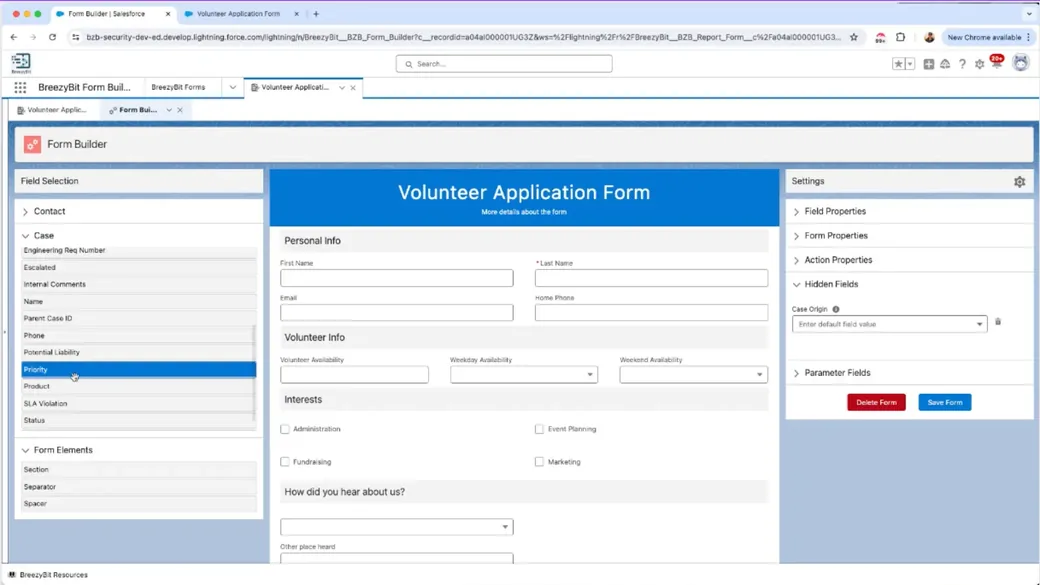 Salesforce Form Builder Guide
Product that supports file uploads
BreezyBit Form & Survey BuilderStart fast
Ready to build high-converting Salesforce forms?
Launch BreezyBit in minutes with secure data collection and clean automations.
Get a working form flow today and scale to every use case.