
Security-first data collection for Salesforce
IT and security teams need data intake that aligns with Salesforce control and reduces external risk. The priority is clear: keep data in Salesforce, keep access controlled, and review changes without slowing teams down. A security-aligned approach keeps intake within Salesforce permissions, keeps a clear history, and avoids extra systems that complicate oversight.
Security outcomes that matter for Salesforce data intake
Security teams evaluate intake workflows through Salesforce admin controls. Profiles, permission sets, sharing rules, and history review should govern who can access data, how it is used, and when changes occur. The best intake paths align with these controls directly.
Data location and storage control
Security teams need clarity on data location and how it is retained. Intake workflows that keep data within Salesforce reduce uncertainty and make data location decisions easier to enforce.
Permissions alignment
Access should follow profiles, permission sets, and sharing rules without duplicating logic in external tools. When intake aligns to Salesforce permissions, access reviews are simpler and more reliable.
History and traceability
Intake activity should be visible with clear logs and ownership. When submissions and changes are captured in Salesforce, history is consistent and easy to review.
Reduce third-party risk without slowing teams
Third-party tools and integrations can add risk and complexity to data intake. Every external platform introduces new access paths, sync dependencies, and change review steps. The goal is to reduce exposure while keeping workflows efficient and reliable.
Minimize external platforms and integrations
Fewer external systems mean fewer credentials, endpoints, and data stores to secure. Security teams can focus oversight on the Salesforce environment where control already lives.
Reliable change review
Intake workflows should follow the same change review process as the rest of the org. When changes happen within Salesforce, reviews and approvals are easier to standardize.
Clear ownership and reviewability
Security teams need clarity on who owns intake workflows and how they are reviewed. A single control surface in Salesforce reduces ambiguity and improves accountability.
Where security needs guardrails for intake
Security teams look for intake paths where risk can grow quickly if guardrails are weak. External-facing submissions, sensitive documents, and outreach links all touch data that must stay within policy. The aim is to standardize how these paths collect, store, and route information so access remains controlled and history stays intact.
External-facing forms and requests
Public-facing intake can increase exposure if access and validation are inconsistent. Security teams need clear ownership of these endpoints, controlled access to submitted data, and reliable routing so sensitive fields do not spread beyond approved roles or queues.
File uploads and sensitive data
Uploads introduce additional storage and access considerations. Security teams need clarity on where files are stored, who can view them, and how retention is managed. Controlled access and consistent handling prevent sensitive documents from drifting outside approved storage policies and controls.
Outbound links and outreach tracking
Outbound links can carry identifiers, campaign context, and tracking signals. Security teams need guardrails that define who can create links, how tracking data is recorded, and where it is stored so outreach remains easy to follow and compliant with internal policy requirements.
Recommended guides
These guides cover native setup and data control for secure Salesforce intake. Use them to align teams on data location, permissions, and history.
 Native Salesforce Forms
 Salesforce Data Collection Best Practices
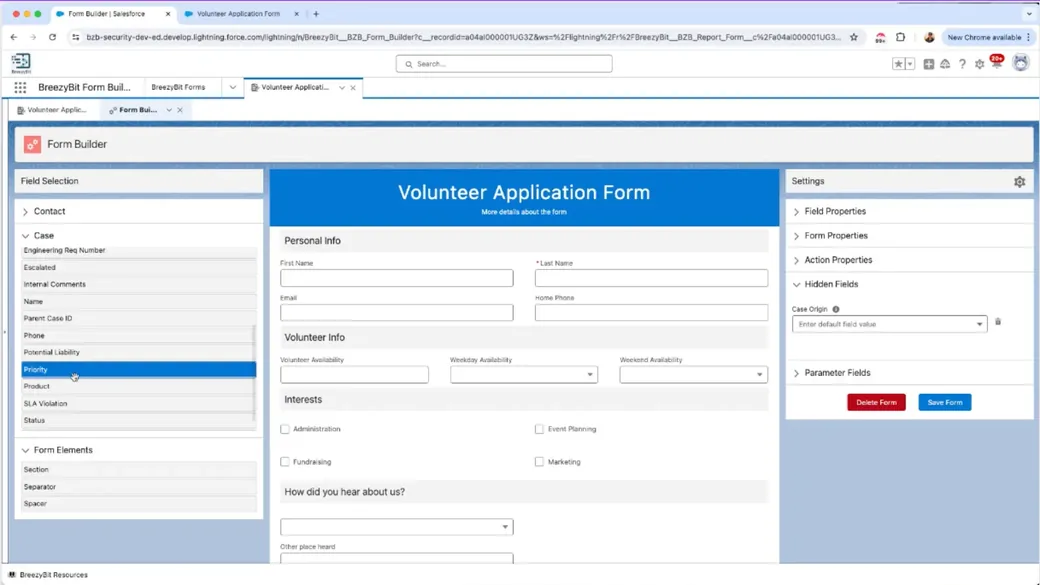 Salesforce Form Builder Guide

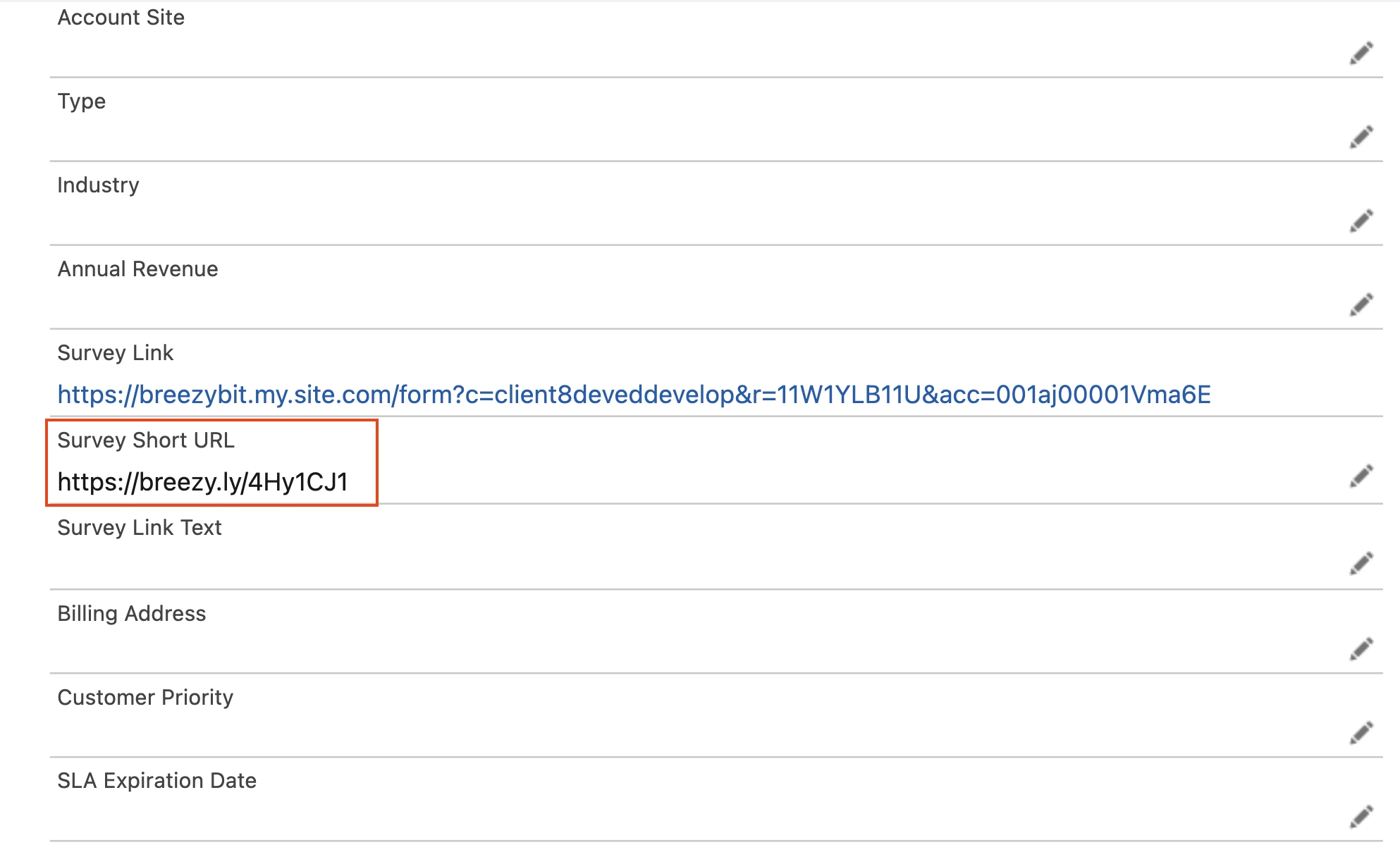
Start fast
If you're reviewing security-aligned intake workflows, start with a quick walkthrough or the guides to see what fits your org.
Choose the path that matches your review and approval process.
Get a working form flow today and scale to every use case.